
Building Automated Income Reports Using AI and Spreadsheets: The 2026 Blueprint

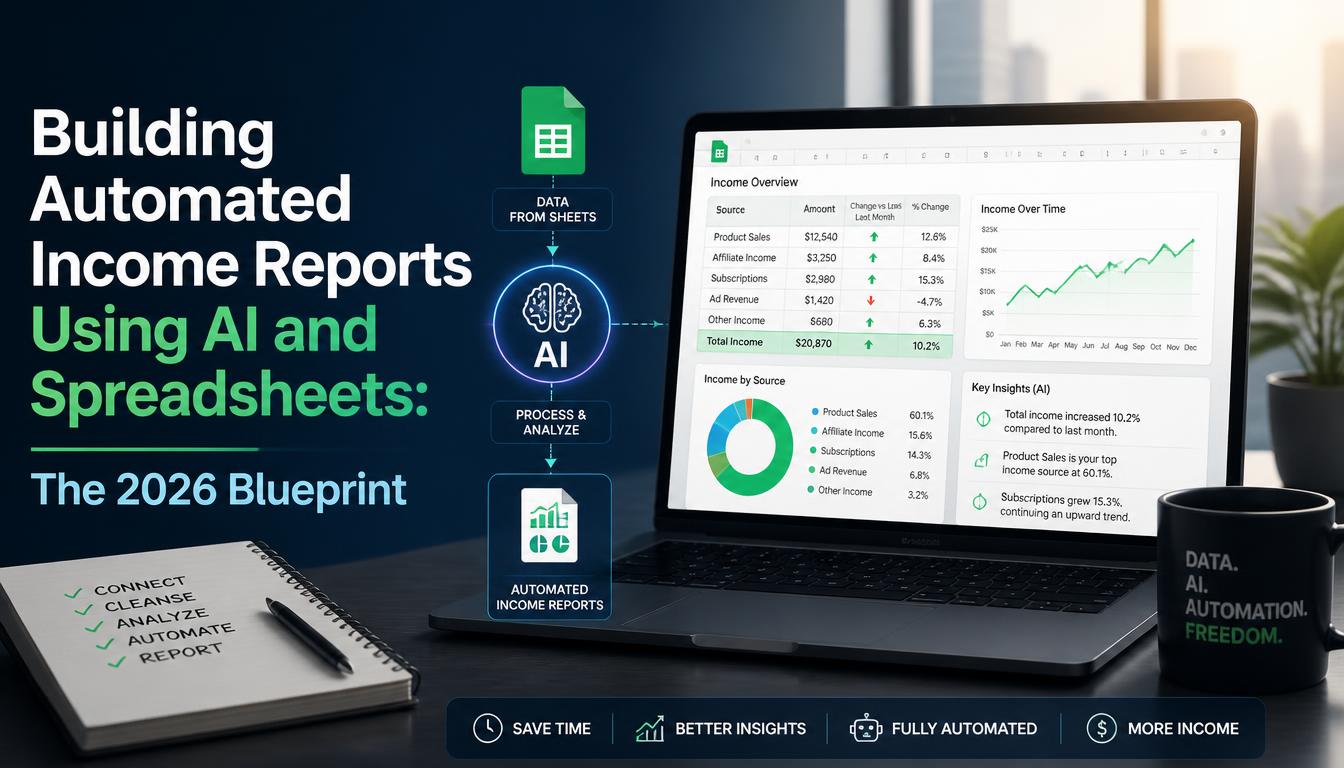
Most founders and digital entrepreneurs are drowning in data yet starving for insights. Every month, they manually pull CSV files from Stripe, PayPal, Lemon Squeezy, and various affiliate dashboards, copy-pasting disparate figures into a bloated master spreadsheet just to figure out how much money they actually made. This is a massive waste of cognitive bandwidth. In 2026, manual financial reporting is obsolete.
By pairing the accessibility of simple spreadsheet tools like Google Sheets or Microsoft Excel with the pattern-recognition capabilities of modern Large Language Models (LLMs), you can construct a self-updating financial reporting engine in an afternoon. This isn't about replacing your accountant; it's about eliminating the friction between raw transaction data and executive decision-making.
The Architecture of an AI-Driven Income PipelineTo build an automated income reporting system that doesn't break every time an API updates, you need a three-tier architecture: Data Ingestion, Storage & Normalization, and AI Synthesis. Most people fail because they try to force AI to do database work, or they expect spreadsheets to perform advanced contextual analysis without structure.
1. Data Ingestion: Keeping It Simple with Scheduled ExportsAPIs are powerful, but they require ongoing maintenance, OAuth tokens, and often custom code via platforms like Make or Zapier. For most lean operations, we recommend starting with scheduled email reports or automated CSV drops into a designated Google Drive folder.
- Stripe / Payment Processors: Set up automated monthly summary emails or use native scheduled exports.
- Affiliate Networks: Use tools like Browse AI or simple web-scraping extensions to drop raw CSVs into your cloud storage.
- Bank Feeds: Utilize native spreadsheet banking integrations (like Plaid for Google Sheets) to track incoming cash directly.
AI cannot analyze chaos. Your spreadsheet needs one foundational tab: the Master Ledger. Every transaction—regardless of its source—must be normalized into a strict schema:
- Date
- Source (e.g., Stripe, Gumroad, Client A)
- Gross Amount
- Fee
- Net Amount
- Currency
- Category (Subscription, One-Off, Affiliate, Service)
This normalization step is critical. If your categories are inconsistent, your AI-generated summaries will produce garbage insights.
Connecting AI to Your Spreadsheet EnvironmentOnce your ledger is receiving standardized data, it's time to introduce the AI layer. You don't need a complex Python script or a custom-built app. Modern spreadsheet extensions and native AI sidebars (such as Gemini in Google Sheets or Copilot in Excel) allow you to query your data using natural language.
Writing Effective System Prompts for Financial AnalysisTreat your AI assistant like a fractional CFO. When writing prompts to generate your monthly income narrative, avoid vague requests like "Summarize my income." Instead, use role-based, constraint-driven prompts:
Example Production Prompt:
"Act as an expert SaaS financial analyst. Review the transaction data in cells A2:G150 for the current month. Generate a concise, bulleted executive summary highlighting: 1) Month-over-month growth rate by category, 2) Any anomaly where customer churn or refund rates exceeded 5%, and 3) The top 3 revenue-driving products. Exclude any introductory pleasantries."
Let's walk through building a zero-cost, highly resilient automated income reporting loop using Google Sheets, Apps Script, and an LLM API connection.
Step 1: Constructing the Master Sheet LayoutCreate a Google Sheet with three tabs:
- Raw_Data: Where your automated CSV imports land.
- Master_Ledger: A cleaned, formula-driven view that cleans up formatting, strips out whitespace, and categorizes transactions using `IFS` or `VLOOKUP` tables.
- Executive_Summary: Your client-facing or personal dashboard containing high-level KPIs, charts, and an AI-generated commentary block.
Instead of manually sorting columns every week, paste a lightweight Apps Script function that triggers whenever new data hits your `Raw_Data` tab. This script maps columns to your standardized `Master_Ledger` format, ensuring zero manual intervention.
Step 3: Embedding AI Analysis via Custom FormulasUsing Google Sheets' native AI capabilities or an extension that connects to an LLM via API (like OpenAI or Anthropic), create a custom cell formula that automatically drafts your monthly performance commentary based on the summary table.
=AI_ANALYZE(Summary_Table_Range, "Write a 3-sentence revenue highlight focused on recurring growth.")
Like any technical stack, this hybrid approach comes with distinct trade-offs that every operator should evaluate.
- Pros:
- Total Ownership: You own the data, the schema, and the logic. No third-party SaaS lock-in.
- Cost-Effective: Runs entirely on free spreadsheet tools and minimal API token costs (pennies per month).
- Infinite Customization: Tailor KPIs to your exact business model without fighting rigid platform dashboards.
- Cons:
- Maintenance Overhead: If a payment processor changes its CSV export format, your ingestion script may break.
- Scale Limitations: Spreadsheets will begin to lag if you process hundreds of thousands of transactions daily (though fine for up to 50,000 rows).
- Security Considerations: Ensure you are not violating privacy regulations or company policies by feeding sensitive PII into external LLM APIs.
Once your automated reporting loop is stable, move beyond lagging indicators. Transition your AI prompts from descriptive analytics (what happened) to predictive analytics (what is likely to happen).
By feeding historical monthly run-rates into your AI spreadsheet workflow, you can prompt the model to project cash flow for the next two quarters based on seasonality and churn trends. Pair this with conditional formatting rules that flag sudden drops in average order value (AOV), and you have a resilient, proactive financial surveillance system operating on autopilot.
Final ThoughtsBuilding automated income reports using AI and spreadsheets isn't about cutting corners; it's about amplifying your strategic clarity. By removing the administrative burden of manual data wrangling, you shift your time from looking backward at what you earned to looking forward at how to scale.
Building Automated Income Reports Using AI and Spreadsheets: The 2026 Blueprint
Stop manual financial tracking. Build an AI-powered automated income reporting system using simple spreadsheets with our 2026 blueprint.