
Stand Out to Recruiters: 4 Professional Resume Templates to Try Today

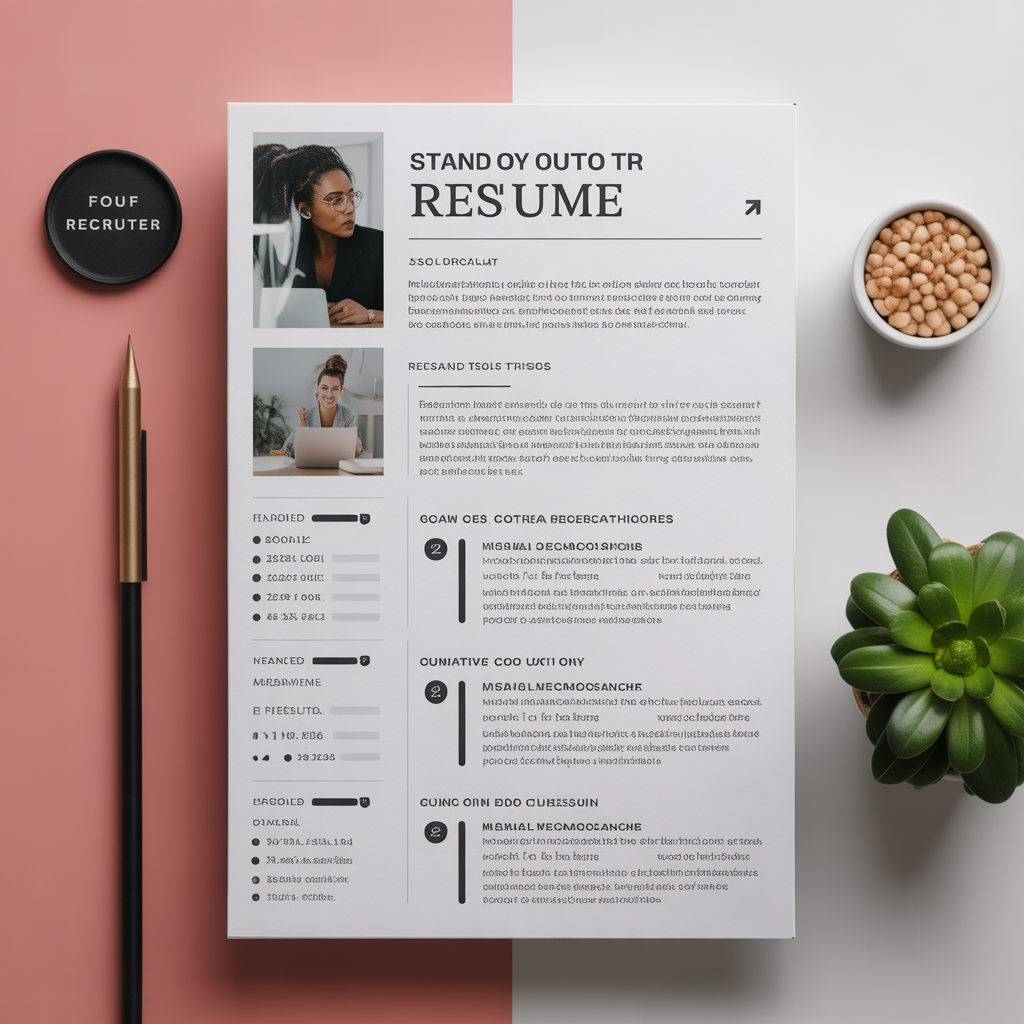
Your resume is your first impression—and often your only chance to capture a recruiter's attention. But formatting a professional resume can be a nightmare of broken margins, misaligned bullet points, and incompatible fonts.
ToolHub's CV Studio solves this. We combine professional design with an intuitive "fill-in-the-blanks" interface. You focus on your achievements, and our tool handles the layout, typography, and ATS (Applicant Tracking System) compatibility automatically.
🎨 4 Professional TemplatesDesigned for every career stage
ModernFeatures a colored sidebar for contact info and skills. Perfect for tech, creative, and startup roles where standing out is key.
Best For: Designers, Developers ClassicTraditional centered layout with elegant serif headers. A timeless choice for corporate, legal, and academic applications.
Best For: Law, Finance, Academia MinimalistClean, grid-based layout that maximizes white space. Excellent for experienced professionals with a lot of content to organize.
Best For: Executives, Managers ProfessionalA strong colored header block for your name and title, with a structured two-column body. Authoritative and organized.
Best For: Consultants, Sales Why Use CV Studio? 👀 Real-Time Live PreviewSee your resume update instantly as you type. No more hitting "Preview" and waiting. What you see is exactly what you get.
🤖 ATS-Friendly OutputOur PDF generator creates clean, readable text layers that pass Applicant Tracking Systems filters used by major companies.
🎨 Custom Theme ColorsSet your personal brand color. The unique color picker updates headers, borders, and accents across the entire template instantly.
📸 Profile Photo SupportEasily upload and crop your headshot. Required for many international CV formats (Europe/Asia) or creative roles.
How It Works in 5 Steps 01 Select Your TemplateStart by clicking on one of the 4 layout styles. Don't worry, you can switch templates anytime without losing your data!
02 Enter Contact DetailsAdd your name, job title, email, phone, and a compelling professional summary. This section sits at the top of your resume.
03 Add Experience & EducationUse the dynamic list builder to add multiple jobs and degrees. Pro Tip: Use action verbs (e.g., "Led", "Developed", "Increased") in your job descriptions.
04 List Your SkillsType your technical and soft skills, separated by commas (e.g., "Project Management, Python, Public Speaking"). These are automatically formatted into badges or lists.
05 Customize & DownloadPick a theme color to match your style. Review the live preview, then click "Download PDF" to get your file instantly.
Pro Feature Remove BrandingFree users get a discreet "Generated via ToolHub" watermark at the bottom. Want a completely clean resume?
- Unbranded, white-label PDF
- Professional finish for executive roles
- One-time credit use (1 Credit)
No registration required to start designing.
🚀 Launch Resume Builder
Stand Out to Recruiters: 4 Professional Resume Templates to Try Today
Stop struggling with Word documents. Create a professional, ATS-friendly curriculum vitae (CV) with our free visual builder. Live preview, premium templates, and instant PDF download.