
The Ultimate Digital Product Design Tool Stack: Free vs. Paid (2026 Edition)

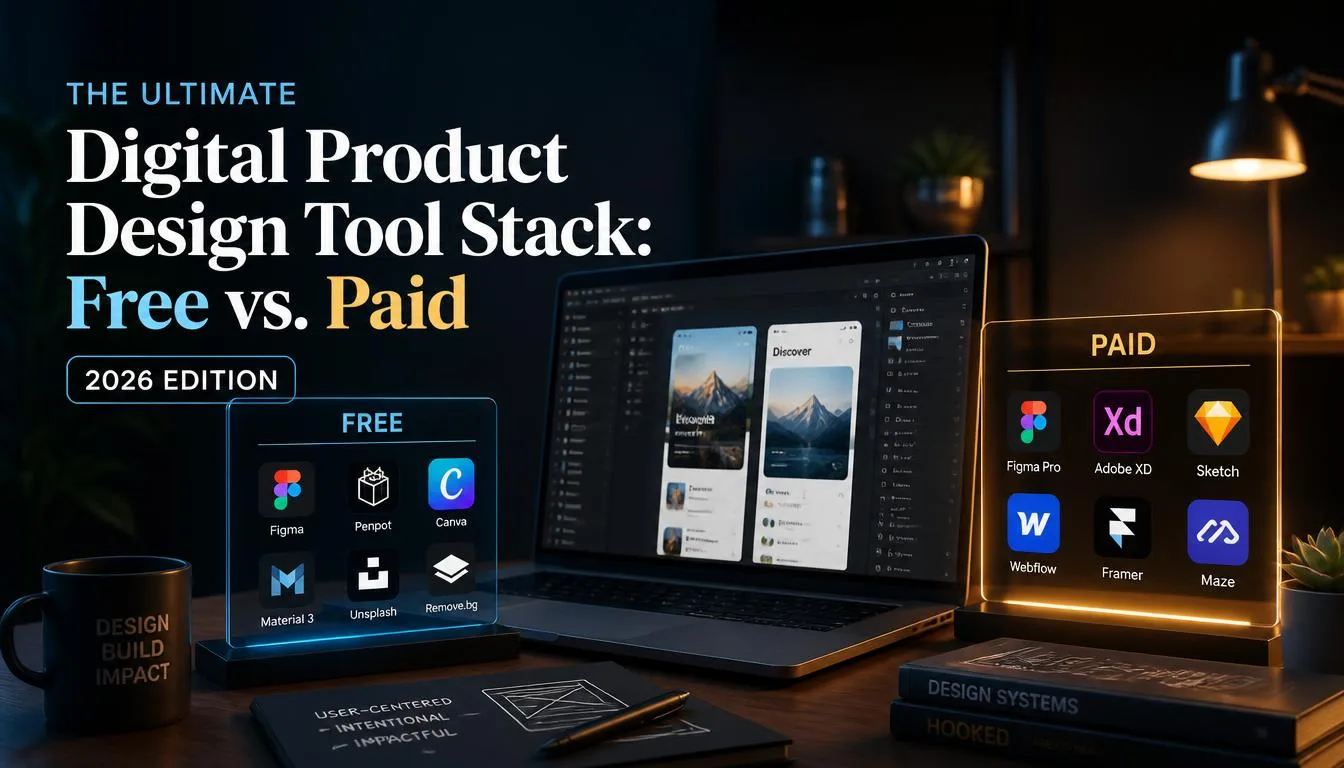
Design tooling has reached a fascinating inflection point. The era of choosing a tool simply because it has a clean interface is over. Today, your choice of digital product design software dictates your design systems scalability, developer handoff velocity, cross-functional collaboration overhead, and ultimately, your bottom line. Having audited design stacks for over forty scale-ups and enterprise digital products, I’ve watched teams waste hundreds of thousands of dollars on fragmented subscriptions while others build unicorns using lean, open-source or heavily optimized toolchains.
This breakdown strips away the marketing fluff and analyzes the absolute best free and paid tools for designing digital products in 2026, categorized by their actual utility in a modern product lifecycle.
The UI/UX Design Heavyweights: Where Interface Meets System ArchitectureFigma: The Ubiquitous Standard (Freemium)It is impossible to discuss digital product design without starting with Figma. It transformed from a browser-based challenger into the undisputed operating system for digital product design. Its core strength lies in real-time collaboration and the maturity of its ecosystem.
Key Features: Advanced Auto Layout (v5+), robust component variants, developer mode, and a massive community-driven plugin marketplace.
- Pros: Unrivaled collaboration; massive talent pool; scalable design systems via shared libraries; continuous feature velocity.
- Cons: Enterprise pricing scaling can get aggressive; performance can stutter on ultra-complex vector files with thousands of nested components; offline mode is still notoriously finicky.
The Verdict: If you are a solo founder or an enterprise team, the free tier is shockingly generous for early-stage validation, but growing teams will inevitably hit the paywall for advanced security, branching, and design systems governance.
Penpot: The Open-Source Challenger for Privacy-First Teams (Free & Open Source)For years, teams wanting a robust, web-based collaborative design tool had zero alternatives to closed ecosystems. Penpot changed that equation. Built natively on web standards (SVG) and open-source foundations, Penpot is capturing the attention of engineering-heavy product teams.
Key Features: Native CSS Grid implementation, open-source code architecture, self-hosting capabilities, and Git-friendly file structures.
- Pros: 100% free and open-source; data privacy for regulated industries via self-hosting; layout logic mirrors modern CSS (Flexbox and Grid) much closer than traditional design tools.
- Cons: Smaller plugin ecosystem compared to Figma; migrating complex existing design systems requires manual refactoring.
The Verdict: Essential for privacy-conscious organizations, open-source advocates, and teams tired of sudden SaaS price hikes.
Wireframing and Rapid Ideation: Speed Over FidelityWhimsical: The Speed-Runner for Product Architecture (Freemium)When moving from a product requirement document (PRD) to initial user flows and low-fidelity wireframes, high-fidelity design tools are actually a liability. They invite premature pixel-pushing. Whimsical eliminates this friction.
Key Features: Lightning-fast mind mapping, flowcharting, sticky notes, and wireframe libraries built for speed.
- Pros: Extremely low cognitive load; keeps stakeholders focused on logic rather than aesthetics; exceptional speed.
- Cons: Limited visual styling capabilities (by design); separate workspace paradigms for different artifacts can feel disjointed.
The Verdict: A must-have for product managers and UX architects who need to align stakeholders before a single line of high-fi UI is drawn.
Excalidraw: The Low-Fidelity Weapon of Choice (Free & Open Source)There is a psychological advantage to wireframing with a tool that looks like a digital whiteboard sketch. Users and stakeholders instantly understand that the concept is malleable, which invites honest feedback.
Key Features: Infinite canvas, hand-drawn aesthetic, encrypted end-to-end real-time collaboration, and developer libraries.
- Pros: Utterly frictionless; completely free; embeds easily into markdown documents and Notion pages.
- Cons: Not suited for complex design systems or multi-screen user journeys.
The Verdict: Keep this open in a tab daily. It’s unmatched for impromptu architecture diagrams and explaining complex user flows to engineers.
Prototyping and Micro-Interactions: Breathing Life Into Static ScreensProtopie: The High-Fidelity Logic Engine (Paid)Figma is great for slide-based transitions, but when you are building a product that relies on complex conditional logic, native device sensors, data variables, and advanced micro-interactions, Figma hits a hard wall. Enter ProtoPie.
Key Features: Variables, formulas, conditional triggers, multi-device communication, and native hardware sensor integration (camera, microphone, gyroscope).
- Pros: Creates prototypes that are virtually indistinguishable from coded production apps; excellent for user testing complex workflows.
- Cons: Steep learning curve; separate tool to maintain alongside your primary design file.
The Verdict: Non-negotiable for fintech, automotive, hardware-adjacent apps, or any digital product where interaction design is a core differentiator.
Framer: The Designer-to-Production Web Builder (Paid)Framer bridges the gap between digital product design and web deployment. While it originated as a complex interaction prototyping tool, it has successfully pivoted into a powerhouse for designing and publishing high-end marketing sites and web applications.
Key Features: Visual canvas with direct React-under-the-hood publishing, responsive layouts, built-in CMS, and localization.
- Pros: Cuts frontend developers out of the loop for marketing and landing pages; stunning visual output; incredible animation capabilities.
- Cons: Less suited for complex, data-heavy web applications compared to traditional tools.
The Verdict: The absolute gold standard if your digital product requires a world-class marketing site that needs to ship yesterday.
Design Systems and Component ManagementSpecify: The Single Source of Truth for Design Tokens (Paid)As digital products scale, keeping design tokens (colors, typography, spacing, shadows) synchronized between Figma and actual codebases (iOS, Android, Web) becomes a nightmare of manual updates and broken pull requests. Specify automates this entirely.
Key Features: Automated token extraction, cross-platform transformation, and direct integration with GitHub and CI/CD pipelines.
- Pros: Eliminates drift between design and code; automates tedious token handoffs; supports virtually any tech stack.
- Cons: Requires initial engineering setup and strict naming conventions within design files.
The Verdict: A superpower for Series B+ companies scaling design operations across multiple platforms and engineering squads.
Strategic Framework: How to Build Your Stack Without Burning BudgetWhen advising startup founders and design directors, I always recommend avoiding tool accumulation syndrome. More tools do not equal better products. A lean, high-performing 2026 digital product design stack looks like this:
- Ideation/Wireframing: Excalidraw or Whimsical (Free/Low cost)
- Core UI/UX & Design Systems: Figma (Freemium/Paid)
- Advanced Prototyping: ProtoPie (Paid, only if micro-interactions dictate product success)
- Web/Marketing Deployment: Framer (Paid)
Audit your current workflow. If your team is spending more time managing file permissions and fighting tool limitations than solving actual user problems, it’s time to prune your stack and double down on tools that maximize velocity.
The Ultimate Digital Product Design Tool Stack: Free vs. Paid (2026 Edition)
Discover the best free and paid tools for digital product design in 2026. Expert analysis on Figma, Penpot, ProtoPie, Framer, and more.