Canva Templates as a Digital Product: The 2026 Beginner's Blueprint

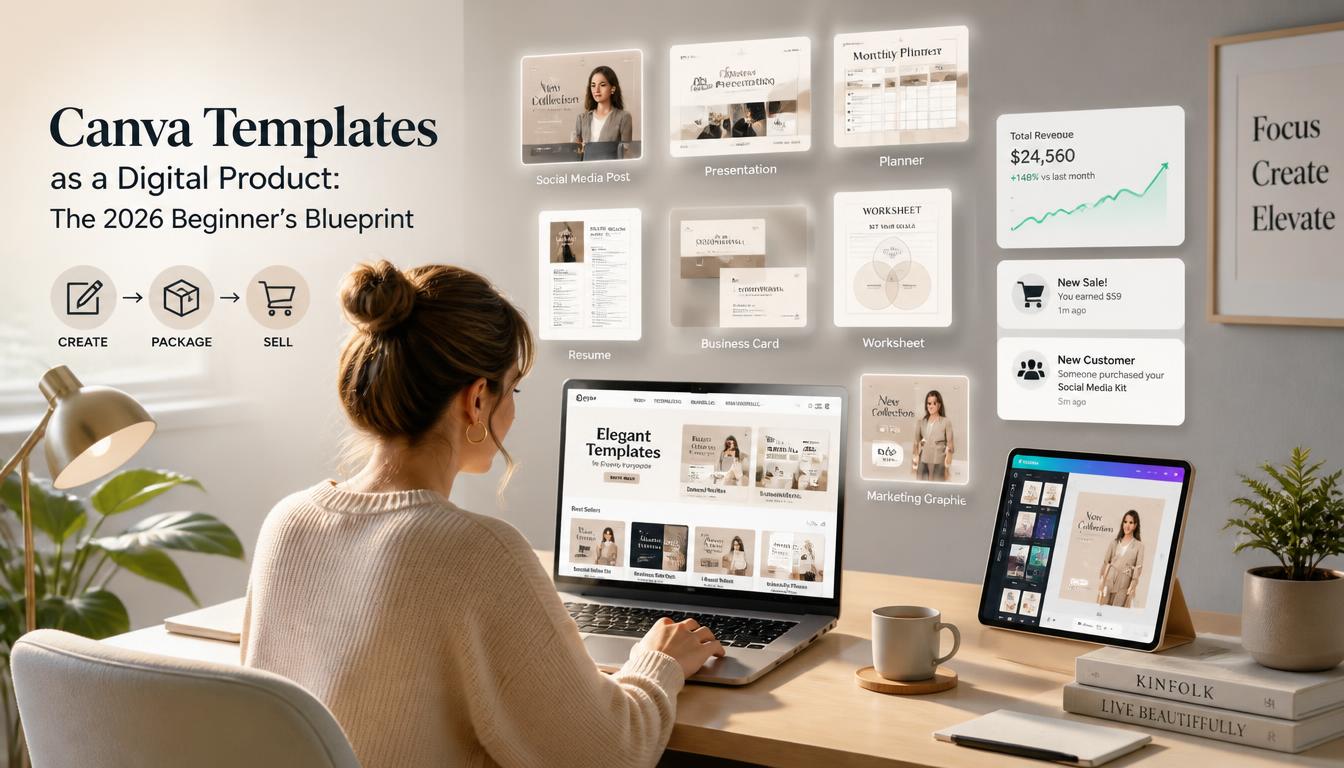
Most beginners enter the Canva template market with a fatal flaw: they design for everyone, which means they sell to no one. They open Canva, create a generic pack of 50 Instagram pastel quotes, upload them to Etsy or Creative Market, and wonder why their digital storefront gets zero traction. The truth is, the barrier to entry for creating a Canva template is virtually zero. That is precisely why the standard playbook fails.
Selling Canva templates as a digital product is not a graphic design business; it is a software-as-a-service (SaaS)-lite business model. You are engineering functional digital infrastructure for busy business owners who value time over DIY design. If you want to build a sustainable, passive income stream in this space, you need a rigorous strategy that spans market positioning, licensing compliance, and automated delivery.
Decoding the Commercial License: Canva’s Legal RealitiesBefore moving a single pixel, you must understand the legal framework governing Canva templates. Ignoring this step exposes you to intellectual property strikes, account termination, and customer chargebacks.
Free vs. Pro Elements: The Golden RuleCanva operates on a dual-element ecosystem: Free and Pro. As a template creator, your distribution strategy depends entirely on which elements you use.
- The All-Free Trap: If you build a template using exclusively free elements, anyone—including free-tier Canva users—can open, edit, and export your template. However, free elements often look generic, limiting your pricing power.
- The Pro-Element Strategy: You can legally include Canva Pro elements in your templates, but non-subscribers will see watermarks when trying to use them. As an expert, I recommend designing using Pro elements *only if* your target market consists explicitly of Canva Pro users (e.g., social media managers, established coaches, agencies). Always disclose this requirement clearly on your sales page.
Canva’s Content License Agreement explicitly prohibits you from selling raw templates *as a source file* on unauthorized platforms, or re-selling standard Canva elements as standalone graphics. You must sell your designs packaged as a template link (a URL that forces a 'Use Template' view), never as a downloadable PNG, JPG, or PDF package of the raw editable file.
Finding Your Niche: Moving Beyond Aesthetic BoredomThe market is saturated with minimalist mood boards and neutral Instagram grids. To command high margins, your templates must solve a specific operational bottleneck.
Operational Templates vs. Aesthetic TemplatesAesthetic templates sell on impulse. Operational templates sell on utility. Which one do you think commands a $97 price tag? An Instagram post template, or a complete client onboarding packet with embedded copywriting prompts?
Focus your product suite on high-ticket business needs:
- Client Experience: Welcome guides, offboarding workflows, project proposals, and media kits.
- Content Systems: 90-day content calendars, YouTube thumbnail systems, and podcast launch kits.
- Lead Generation: PDF lead magnets, webinar slide decks, and ebook templates.
When you solve a business owner's structural problem, price resistance drops to zero because the template directly correlates with their ability to make money.
The Anatomy of a High-Converting Canva TemplateAn amateur template looks pretty on your screen but falls apart the second a user tries to edit it. Professional templates are engineered for UX (User Experience).
1. Strategic Grid and Frame UsageNever rely on simple text boxes and loose shapes alone. Use Canva Frames and Grids extensively. If a buyer wants to insert their own headshot into a circle frame, they should be able to drag and drop it intuitively without breaking the alignment of the surrounding typography.
2. Placeholder Copy That SellsNever leave your text fields as 'Lorem Ipsum' or blank spaces. Write high-converting placeholder copy that demonstrates *how* the text should be used. For example, in a webinar slide deck, write actual script prompts or transition hooks in the subheaders. Buyers will often keep your copy, adapting it slightly, which validates the high quality of your design.
3. The 'Master Brand' ArchitectureDesign your templates using global color palettes and paired typography (one header font, one body font). When the user opens the template, they should be able to click 'Change All' for colors and fonts to instantly adapt the design to their brand guidelines within three clicks.
Fulfillment Automation: Delivering the Digital ProductManual delivery is the enemy of digital product scale. You need a seamless, zero-touch fulfillment pipeline that works while you sleep.
Generating the Share LinkTo distribute your template safely without giving users access to edit your original master file:
- Open your finished design in Canva.
- Click the Share button in the top right corner.
- Select Template link from the dropdown menu (if you don’t see it, click 'More' to locate it).
- Copy this unique URL. This link forces anyone who clicks it to open a brand-new copy of your design, leaving your master file completely untouched.
Never paste the raw Canva link directly into a checkout confirmation email; it looks spammy and can trigger spam filters. Instead, design a sleek, beautifully formatted PDF instruction guide inside Canva. Embed your template links behind clear call-to-action buttons (e.g., 'Click Here to Access Your Template'). Export this PDF as a flat document and upload it to your e-commerce platform.
Choosing Your E-Commerce InfrastructureWhere you host your digital products dictates your profit margins and control over customer data.
- Etsy: Best for absolute beginners who want instant organic traffic. The downside is high competition, platform fees, and zero ownership of customer email addresses.
- Shopify / WooCommerce: Ideal for building a brand. Higher upfront effort to drive your own traffic via SEO, Pinterest, or Meta ads, but you keep 90%+ of profits and own your customer list.
- Stan Store / Beacons: Perfect for creators leveraging short-form video (TikTok, Instagram Reels) to drive impulsive mobile conversions.
Once your first template pack validates the market, do not build another random product. Build a product ecosystem. If you sell a Pinterest Pin template pack, your next logical upsell is a Pinterest Content Strategy Workbook, followed by a Tailwind scheduling guide template. By engineering a value ladder, you turn a one-time $19 customer into a recurring $150 brand advocate.
Success in the Canva template economy does not require you to be the world's most talented illustrator. It requires you to be an efficient systems thinker who understands what business owners need to save time, look professional, and scale their own operations.
Canva Templates as a Digital Product: The 2026 Beginner's Blueprint
Learn how to create, license, and sell Canva templates as a profitable digital product. Master modern creator strategies to scale your passive income today.