
Stop Designing: 7 Profitable Digital Products You Can Build Without Any Creative Skills

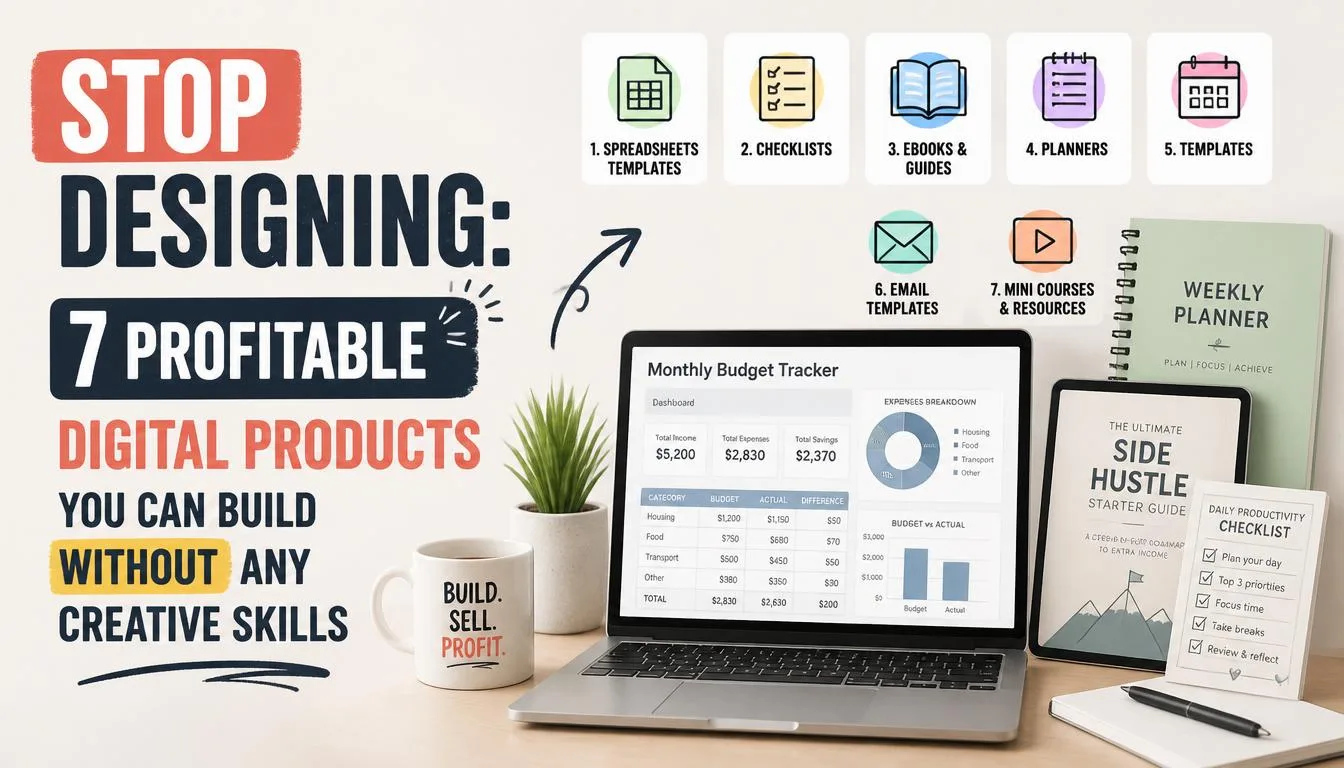
The internet is saturated with advice telling you that to make money online, you need to master Canva, learn Adobe Illustrator, or spend months understanding UI/UX principles. It is a tired narrative pushed by design tool affiliates who want you to subscribe to their software.
Here is the truth: Design is a delivery mechanism, not the product itself. People do not buy digital products for their aesthetic beauty; they buy them for transformation, efficiency, and solutions. If a plain text document solves a high-value problem, it will outperform a poorly targeted, beautifully designed graphic every single day of the week.
Over the past decade consulting for digital creators, I have watched solo entrepreneurs generate six figures selling products built entirely in Notepad, Google Sheets, or plain-text Markdown files. Zero Photoshop. Zero design training. Pure utility.
Let’s look at the digital product models that require zero design skills, why they work, and how you can launch one this weekend.
The Core Philosophy: Why Utility Trumps AestheticsBefore looking at the product types, we need to dismantle the "aesthetic tax." Beginners often waste weeks moving pixels around, tweaking fonts, and choosing color palettes. This is procrastination disguised as productivity.
When a buyer purchases a digital asset, they are experiencing an economic transaction of time versus money. If your spreadsheet saves them five hours of manual data entry, they do not care if the header row is dark gray or navy blue. In fact, over-designed products often create cognitive load, making it harder for the user to extract the core value.
By removing design from the equation, you accelerate your time-to-market. You shift your focus entirely to what actually matters: data integrity, copywriting, and structural organization.
1. Advanced Spreadsheet Dashboards and CalculatorsExcel and Google Sheets are the ultimate digital product engines. You do not need to know how to draw vector shapes to build a million-dollar spreadsheet business. You need to understand logic, formulas, and human workflow bottlenecks.
Every business owner, freelancer, or creator is tracking something: budgets, content pipelines, inventory, or workout regimens. Most people hate building tracking systems from scratch.
High-Demand Niche Spreadsheet Examples- The Freelance Agency Profitability Tracker: Calculates billable hours, profit margins per client, and quarterly tax withholdings using basic SUM and IF formulas.
- Real Estate Fix-and-Flip Calculator: A structured input sheet that projects renovation costs, holding costs, and potential ROI based on local zip code data.
- Content Creator Sponsorship Pipeline: A CRM built inside Google Sheets to track brand deals, deliverables, and invoice statuses.
How to build it without design skills: Use standard system fonts (Arial, Calibri, or Roboto). Stick to a monochromatic or classic grayscale palette. Let the conditional formatting do the heavy lifting for visual cues (e.g., green for profit, red for loss). The value lives in the hidden formulas, not the cell borders.
2. Curated Resource Directories and Database ProductsInformation curation is one of the most undervalued business models on the web. People are drowning in data but starving for curation. Organizing a chaotic landscape into a clean, searchable database is an elite digital product.
You can build these using Notion, Airtable, or even a simple downloadable CSV file.
Case Study: The $50k Sponsorship DatabaseA client of mine—who couldn't center a div to save his life—built a database of 500 direct-to-consumer brand marketing managers, complete with their email addresses and budget cycles, inside an Airtable base. He packaged it as a digital product for niche newsletter writers. He didn't design a single graphic. He simply exported a clean, categorized table and charged $97 for access. It generated over $50,000 in its first six months because the data was the moat, not the UI.
Why Databases Sell So WellBuyers are paying to skip the research phase. When you sell a directory, you are selling compressed time. The layout is inherently utilitarian—rows and columns. No design required.
3. Plain-Text Prompts and AI Workflow SystemsWith the explosion of large language models, the bottleneck has shifted from content creation to prompt engineering and workflow design. End-users do not want generic AI outputs; they want hyper-specific, multi-step prompt chains that yield professional-grade results.
These products are literally text files (.txt, .md, or neatly organized Notion pages) containing engineered prompts.
Product Formats That Require No DesignPrompt Libraries: Categorized collections of copy-paste prompts for specific tasks (e.g., "The Complete E-commerce Product Description Prompt Engine").Custom GPT Instruction Manuals: Step-by-step documentation on how to configure custom AI agents for specialized industry tasks.Workflow SOPs (Standard Operating Procedures): Text-based guides detailing how a virtual assistant should execute complex operations using AI tools.Your delivery vehicle is a raw text file or a minimalist Google Doc. The intellectual property is entirely in the syntax and the logical sequencing of the prompts.
4. Email Swipe Files and Copywriting TemplatesIf you can write clearly, you can sell digital products. Copywriting is inherently text-based. Some of the most lucrative digital products in history are simple PDF documents or plain text files containing proven marketing templates.
Business owners struggle constantly with what to write in their emails, sales pages, and social media posts. Giving them a framework with fill-in-the-blank brackets—often called a "swipe file"—solves an immediate pain point.
How to Structure a No-Design Swipe FileCreate a master document divided into logical sections:
- The Hook Library: 50 proven opening lines for cold emails.
- The Body Frameworks: Fill-in-the-blank storytelling templates based on classic direct-response principles.
- The Call-to-Action Variations: High-converting closing statements for different offer types.
Format the document using Markdown or a basic Google Doc. Use clear headings (H1, H2, H3), standard black text, and bullet points. Zero design talent is needed; rigorous attention to linguistic clarity is mandatory.
5. Audio-First Educational Products and Micro-PodcastsIf visual design is your weakness, bypass the visual medium entirely. Audio is an intimate, high-trust format that requires zero graphic design capability.
Private podcast feeds or serialized audio guides are skyrocketing in popularity. You record your insights using a basic microphone, export the MP3 files, and distribute them via platforms like Fourthwall, Supporting Cast, or Gumroad.
Actionable Audio Product Ideas- The 5-Day Audio Masterclass: Five 10-minute daily audio memos explaining a complex tactical skill (e.g., how to run your first Facebook ad campaign).
Your product cover art can literally be a solid-colored background with large, bold system-font text generated in a free tool, or you can outsource the cover for $5 on Fiverr if you truly want to avoid it. The core product is consumed through the ears.
The Execution Roadmap: How to Launch Without Getting StuckIf you want to build a zero-design digital product empire, you must adopt a strict operational framework to prevent analysis paralysis.
Step 1: Identify a High-Pain, Low-Glamour ProblemAvoid lifestyle topics that require mood boards and aesthetic inspiration. Focus on operational pain: taxes, compliance, data management, automation, and sales tracking. People pay more to solve painful problems than they do to acquire pretty things.
Step 2: Choose Your Utility EnginePick one of the formats listed above:
- Google Sheets / Excel for calculations.
- Airtable / Notion for databases.
- Google Docs / Markdown for text, prompts, and swipe files.
Since your product lacks visual flair, your copywriting must carry the weight. Be explicit about what the product does, who it is for, and the exact metric-driven result the user can expect.
Step 4: Deploy on a Frictionless CheckoutUse platforms like Gumroad, Lemon Squeezy, or Payhip. They provide instant, out-of-the-box checkout pages that require zero web design skills. Drop in your text description, upload your raw file, set your price, and start driving traffic.
Final Thoughts: Drop the Design CrutchThe obsession with visual perfection is the graveyard of digital products. Creators spend six months designing a gorgeous PDF workbook that nobody buys because the content is shallow.
Strip away the design. Focus entirely on utility, data architecture, and clear communication. Your customers are paying for the destination, not the vehicle's paint job. Build the utility, launch it this week, and let the results speak for themselves.
Stop Designing: 7 Profitable Digital Products You Can Build Without Any Creative Skills
Learn how to build and sell profitable digital products without design skills. Discover high-margin templates, databases, and text-based assets today.